
Colorado VINE for Douglas County
Douglas County Sheriff's Office publishes its own VINE instructions for the Douglas County Sheriff's Office Detention Center. The local page says custody information is available 24 hours a day and that VINE can send notices when an offender is released or transferred. That makes VINELink useful when a person may be leaving the county jail, but it does not replace a jail record, court order, or CDOC profile.
Start with custody type. A person in the Douglas County jail can be checked through the Sheriff's Inmates page and local VINE instructions. A person sentenced to Colorado prison should also be checked through the Colorado Department of Corrections offender search. Federal and immigration custody are outside VINELink's Douglas County jail coverage and require BOP, U.S. Marshals, or ICE channels.
VINELink also should not be confused with the Colorado sex offender registry or Douglas County SOTAR registration system. Those registry tools matter only when a released person has a qualifying registration duty. They do not cover every person released from the Douglas County jail, and they do not explain ordinary bond releases, dismissals, jail-sentence completions, or CDOC transfers.
The Douglas County Sheriff's Office VINE page is the local source for this workflow.
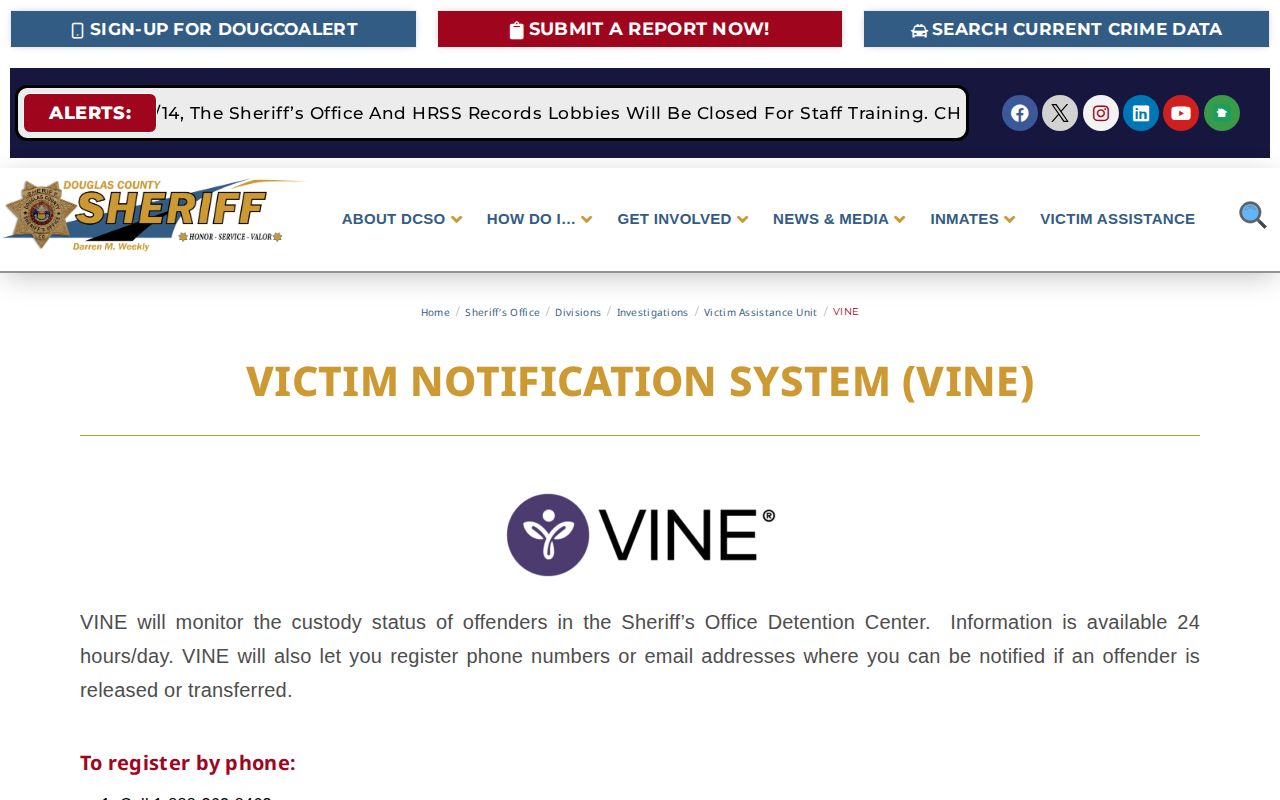
Use the screenshot as a signpost to the official process, then confirm the person-specific result inside VINELink or directly with the Sheriff's Office.
Search One Douglas County Person
VINELink works best when you are checking one named person. If you are trying to learn whether someone is still held, start with the current-custody lookup linked from the DCSO inmates page. If the person no longer appears there, VINE may help show or notify the release or transfer event, but a records request or court docket may still be needed for formal proof.
- Open Colorado VINELink or go through VINELink and choose Colorado.
- Select the offender search and registration path.
- Choose all facilities or choose Douglas County Sheriff when that facility filter is available.
- Enter the last name and at least the first letter of the first name.
- Review possible matches carefully. Names can be common, and a VINELink match is not a court finding.
- Open Register/Details for the matching person. DCSO says a photo may be available through a See Photo option.
If you do not find the person, do not treat that as proof that no Douglas County custody event occurred. The name may be misspelled, the person may be listed under an alias, the record may not be in the VINELink feed, or the case may have moved into CDOC, federal, ICE, court-only, juvenile, sealed, or restricted channels. Record the spelling searched and move to the official custodian for the next check.
For a wider release-search sequence, use the Douglas County released-inmate search path with VINE, DCSO jail records, court dockets, and CDOC separated by custody type.
What VINELink Can Show
DCSO confirms the event types VINE is meant to watch: release and transfer. The exact wording of a released result can vary by VINELink screen and must be read from the person-specific result. Treat VINE as a status and notification service rather than a complete release-record database.
| Field or event | How to use it |
|---|---|
| Custody status | Shows the current VINELink custody status when the record is available; confirm critical details with DCSO or CDOC. |
| Facility | Use all facilities or Douglas County Sheriff to avoid mixing a county-jail person with another Colorado facility. |
| Release or transfer notice | DCSO says VINE can notify when an offender is released or transferred from the detention center. |
| Photo availability | DCSO says a photo may be available. Do not assume every person has a public VINELink photo. |
| Court outcome | VINELink does not replace Douglas County court records for bond, dismissal, sentence, probation, or case closure. |
Register for Release Notification
DCSO gives both phone and online registration paths. Registration matters most before a release or transfer happens; after the person is gone from the live roster, a jail-records request may be the stronger documentation path.
- For phone registration, call 1-888-263-8463, select adult offender search, and enter the offender's first and last name when prompted.
- Listen to the current custody status before registering so you know whether the person appears to be in the expected system.
- When prompted, choose registration and follow the prompts for phone notification.
- For online registration, choose phone, email, text, or TTY where available, then click Continue.
- Provide a PIN when required for phone notification and complete registration.
- If you register by email, DCSO says messages come from vine@globalnotifications.com.
The PIN step is important because phone notifications are not just passive search results. A registered user may need the PIN to acknowledge or manage calls. If contact information changes, update the registration rather than assuming the old phone number or email will continue to receive custody alerts.
Questions about a person in custody can be directed to the Douglas County Sheriff's Office at 303-660-7550 x 5, according to the DCSO VINE page.
Limits Before You Rely on VINE
VINELink is not the final answer for every Douglas County release. A person may leave the county jail by bond, court order, time served, transfer to CDOC, transfer to another county, federal hold, ICE hold, or another status that needs a different record custodian. A negative current-roster search means only that the person is not appearing as currently housed at that moment.
Confirm before using the information. For a formal release record, use the DCSO jail-records request process. For a prison sentence, check CDOC OSS and remember CDOC warns that database information can be inaccurate and should be confirmed. For the legal reason for release, check the Douglas County court docket or official court records.
For immediate county-jail custody questions, DCSO's VINE research identifies 303-660-7550 x 5 as the local question line. For documented release records, the inmate-records page points to the online jail-record form and says the office will contact the requester within 72 business hours to verify receipt. Those are different functions: one helps with current status, while the other creates a records trail.
VINE also does not replace the court record. A release alert can tell you a custody event occurred, but it may not show whether the release followed bond, dismissal, sentence completion, transfer, probation, or another court order. When the reason matters, compare the VINE event to the Douglas County docket and, if needed, request the jail record that ties the custody event to the booking.
DCSO's Local VINE Details
The local Douglas County angle is unusually practical: DCSO gives the phone number, the online route, the facility choice, the minimum name search, the Register/Details step, a conditional photo note, notification methods, the PIN requirement for phone alerts, and the email sender address. That is more useful than a generic VINELink link because it tells you how to narrow a Colorado search to the Douglas County Sheriff when checking a county-jail release.
Use that local detail for Douglas County jail custody only. Sex offender registries, probation records, parole calendars, CDOC offender profiles, BOP records, and ICE custody records answer different questions and should not be merged into one generic "released inmate" result.
If the VINE search returns multiple possible matches, do not choose by name alone. Compare facility, age or identifier if shown, recent custody context, and the court case or booking details already known. For common names, a DCSO jail-record request or court record may be needed before relying on a VINE match.